
How to create voided check online Instantly
You're starting a new job, and HR asks for a voided check to set up direct deposit. Your first thought? "I haven't owned a checkbook in years."
This is a surprisingly common problem. The good news is you can create a compliant voided check online in just a few seconds. It’s a secure, fast solution that gives you an instant document for payroll or setting up automatic payments.
Why Do I Still Need a Voided Check?
It might seem old-fashioned, but asking for a voided check is all about one thing: verification. Your employer's finance department needs a fool-proof way to confirm your bank's routing number and your specific account number. A simple typo can send your paycheck to the wrong place, and a voided check acts as the official source of truth to prevent that.
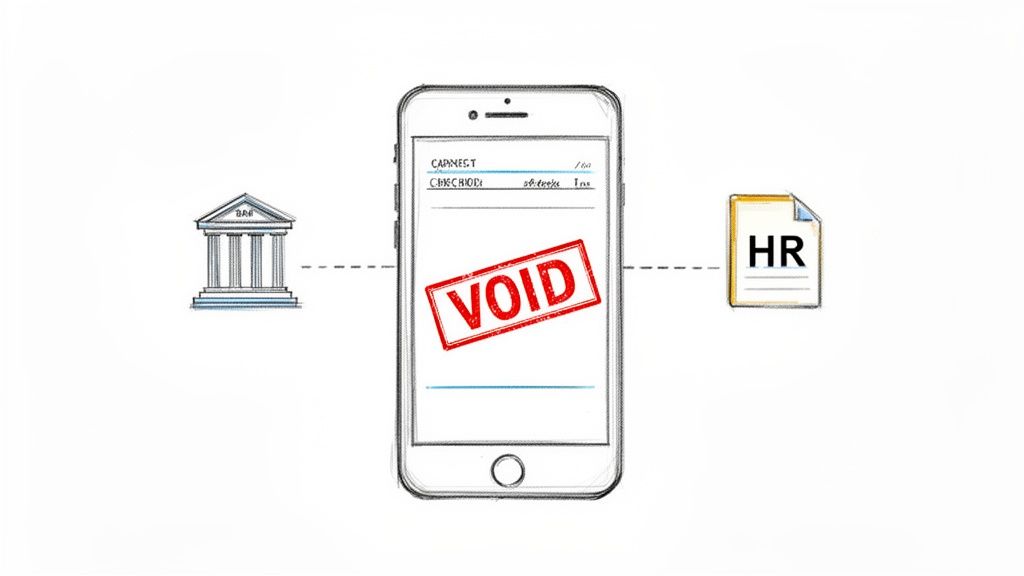
This is especially critical for payroll. According to NACHA, the organization that manages the ACH network, over 93% of U.S. employees get paid through direct deposit. This creates a real-world disconnect where millions of people are asked for a voided check but simply don't have one on hand.
Remember, a voided check isn't meant to be spent. Its sole purpose is to provide a clear, error-proof record of your banking details, preventing frustrating payment delays.
Online check generators fill this gap perfectly. They offer a modern, secure, and widely accepted alternative that satisfies traditional requirements.
When an Online Voided Check Makes More Sense
In most everyday scenarios, going digital is simply easier and faster. Hunting down a physical checkbook, writing "VOID" across it, and then scanning or taking a picture of it feels clunky compared to a two-minute online process.
Here’s a quick breakdown of common situations where an online voided check is the better choice.
Voided Check Scenarios: Physical vs. Online
| Scenario | Using a Physical Checkbook | Creating a Voided Check Online |
|---|---|---|
| New Job Onboarding | You have to find your checkbook, which might be buried in a drawer or non-existent. | Instant. Generate a PDF from your phone or computer in under a minute. |
| Setting Up Gym/Utility Bill | Requires you to mail or hand-deliver the check, or scan it yourself. | Quick download and email. The process is entirely digital and contactless. |
| Forgot Your Checkbook | You're stuck. You either have to go home or order new checks and wait. | Not an issue. You can create one on the spot as long as you have your bank info. |
| Need a Professional Look | A scanned, hand-voided check can sometimes look messy or be hard to read. | Creates a clean, professional, and perfectly legible document every time. |
Ultimately, understanding the benefits of a digital voided check is about simplifying your life. These tools provide a quick fix for a common headache, ensuring you have what you need without a trip to the bank or ordering a box of expensive checks you'll likely never use.
Getting Your Bank Details in Order
Before you can create a voided check online, you'll need a few key pieces of information handy. Taking a minute to gather everything now will save you a headache later and make sure your direct deposit setup goes off without a hitch.
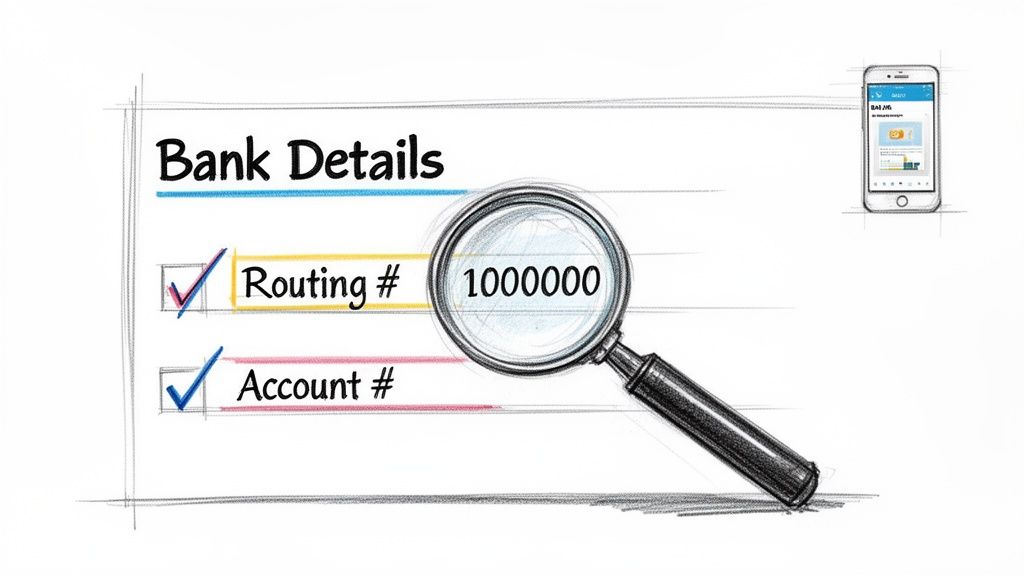
The two most important numbers you need are your bank's routing number and your personal account number. Together, they act like a unique address that directs money straight into your account.
Where to Find Your Account Information
No checkbook? No problem. You can easily find these numbers without a physical check.
- Your Online Banking Portal: The fastest way is to log into your bank's website or mobile app. Your full account and routing numbers are usually displayed right on the main account summary page.
- Your Bank Statement: Pull up a recent PDF or paper statement. This information is almost always printed at the top or bottom.
You'll also need the exact name and address tied to your bank account. I've seen plenty of direct deposit forms get kicked back simply because the name or address didn't perfectly match what the bank has on file.
Pro Tip: Read every number back to yourself twice. It's so easy to transpose a digit, and a single mistake in your routing or account number can send your paycheck into limbo or, even worse, to someone else's account. Accuracy is everything here.
Getting these details right from the start is the key to creating a digital voided check that works the first time, every time.
How to Generate Your Digital Voided Check
Got your bank details handy? Great, because you're just a few clicks away from having a professional, compliant document. The process to create a voided check online is designed to be incredibly simple, converting your account information into a standard format that any payroll department will recognize on sight.
It all starts with your bank’s routing number. A good online tool will check this nine-digit number against the official Federal Reserve database in real-time. This is a brilliant first step—it instantly confirms you're dealing with a legitimate bank and catches common typos before they can cause problems.
After that, you'll plug in your personal account number. You'll also need to enter your name and address exactly as they appear on your bank statements. I can't stress this enough: precision is everything here. Even a small mismatch can cause the verification to fail when your employer or a vendor tries to process it.
Finalizing and Downloading Your Check
Once all the information is in, you'll get to the most important part: the preview. Think of this as your final quality-control checkpoint. It's your last chance to make sure every single digit and letter is perfect before you finalize the document.
You should see something like this on your screen—a clear preview of all your details laid out on a standard check.
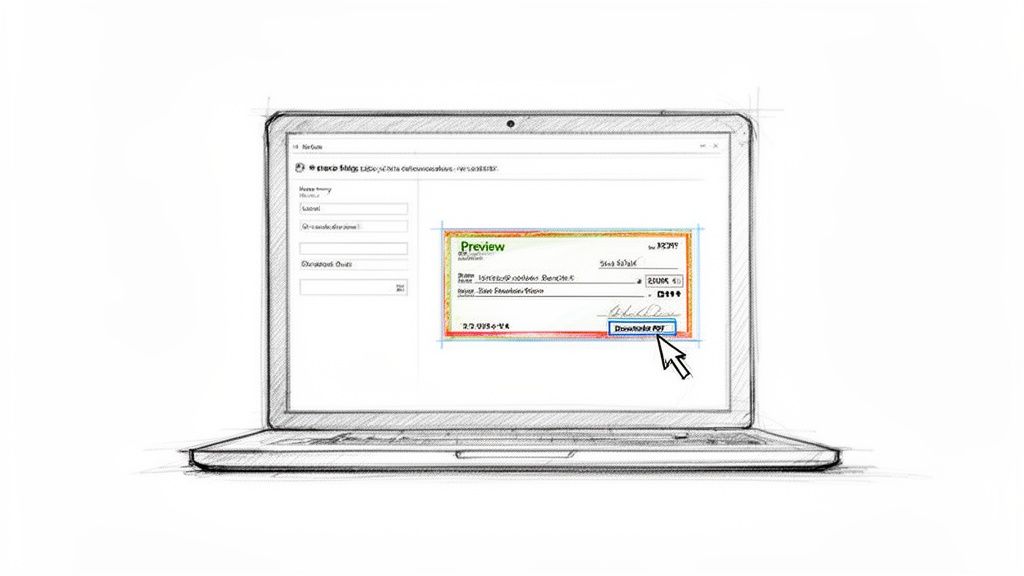
This visual confirmation is your best defense against typos. After you’ve given it a final once-over and everything looks good, you can download your voided check. Most services let you choose between a PDF or a PNG file, both of which are standard, easy-to-use formats.
Key Takeaway: The goal isn't just to make a check; it's to make an accurate one. The preview stage is your best friend. Use it to meticulously review everything—the routing number, account number, and your personal details—to guarantee a smooth direct deposit setup.
This whole workflow turns what used to be a tedious errand into a quick, error-free task. If you're ready to create one yourself, you can use a reliable voided check generator and have a document ready in less than a minute.
From there, just save the file to your computer or phone. You can then email it directly to HR or upload it to your company’s payroll portal. What you get is a clean, legible, and professional-grade document that gets the job done without the need for a physical checkbook.
Is It Safe to Create a Voided Check Online?
Let's be honest—typing your bank account information into a website can feel a little nerve-wracking. I get it. The good news is that a reputable online check generator is built on the same security technology that your own bank uses to protect your online banking sessions.
Specifically, we're talking about 256-bit SSL encryption. This is the industry standard for securing data online. From the instant you start entering your details, this encryption scrambles the information, making it completely unreadable to anyone who might try to intercept it.
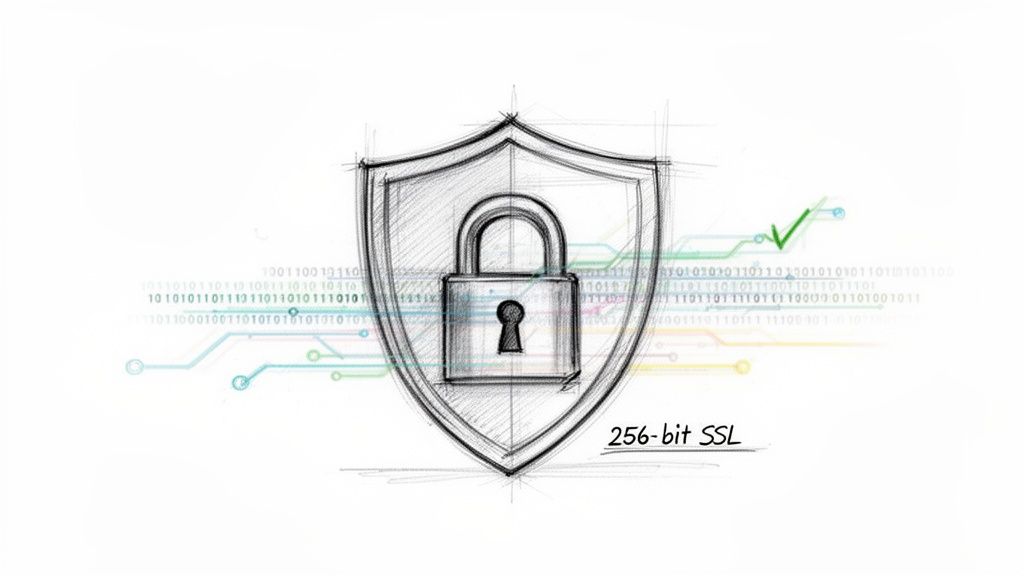
Think of it as a private, secure tunnel connecting your browser directly to the service. Nothing gets in or out.
A Strict "No-Storage" Policy is Key
But what happens to your data after the check is made? This is where the most trustworthy platforms prove their worth.
The best services operate on a strict no-storage policy. This means your account and routing numbers are only used for the few seconds it takes to generate the voided check PDF. Once that file is created and delivered to you, all of your sensitive financial information is instantly and permanently wiped from their servers.
This is a critical distinction. It means there’s no big database of user information sitting around for bad actors to target. Your details are used for one specific task, and then they're gone for good.
Here's the takeaway: A secure online check generator should function as a temporary tool, not a permanent vault. Its job is to perform a single function and then immediately erase your data, protecting your privacy and minimizing your risk.
It's this combination of powerful encryption and a commitment to data privacy that makes the process so reliable. You get the compliant document you need for your employer, and you can hand it over with complete confidence, knowing your information was handled securely.
Real-World Scenarios for Your Digital Voided Check
So, you’ve just created your digital voided check. Now what? You might be surprised by how often this simple document comes in handy. Its main job is to securely share your banking details, and it’s become the go-to for a ton of common financial setups.
By far, the most common use is for payroll direct deposit. When you start a new job, HR needs your account and routing numbers to get you paid on time. Handing them an online voided check gives them that info in a familiar, professional format, leaving no room for typos or confusion.
Beyond Your First Paycheck
But that's just the beginning. A voided check is essentially the key for authorizing any kind of recurring electronic payment.
Think about these situations:
- Automated Bill Payments: Setting up automatic withdrawals for rent, a mortgage, or utility bills? A voided check is often the required proof of account ownership.
- Loan and Investment Accounts: Need to authorize recurring ACH transfers for a car loan or to fund an investment account? This is the standard document they'll ask for.
- Government Payments: It’s also the perfect way to provide bank verification to get your tax refund or other government benefits sent directly to your account.
This isn’t just for personal use, either. For businesses, confirming bank details is a constant need. A voided check lets finance teams get the exact routing and account information without the risk of mishearing numbers over the phone. With so many business accounts now opened without physical checkbooks, creating a voided check online has become a crucial tool. You can find more details about why this type of verification is still so important over on Artsyltech.com.
A Pro Tip for Freelancers & Small Businesses: A digital voided check is a lifesaver. Use it to get paid by clients via direct deposit or to set up automatic payments to your own suppliers. It’s a fast, paperless way to manage your cash flow.
Got Questions About Online Voided Checks?
Jumping into creating a voided check online for the first time? It's smart to have a few questions. Let's walk through the most common ones I hear, so you can get it done with confidence.
Is It Really Safe to Enter My Banking Details Online?
This is the most important question, and the answer is yes—if you're using a service that takes security seriously. Look for platforms that use 256-bit SSL encryption, which is the same level of security your own bank uses.
A key feature of a trustworthy service is a strict no-storage policy. This means your routing and account numbers are used only to generate the check and are then immediately and permanently wiped from their servers. Your data exists only for that single, brief transaction.
Will My Boss Actually Accept This?
In my experience, almost certainly. A digitally created voided check contains the exact same information payroll needs from a paper one: your name, address, and those all-important routing and account numbers.
Top-tier services validate routing numbers against the official Federal Reserve database, so the document is legitimate. Thousands of companies, including major payroll processors, accept them without issue because they're clean, professional, and provide the necessary details for direct deposit.
Think of it this way: a digital voided check is functionally identical to its paper counterpart. It’s a clean, authoritative document that gives the finance department precisely what they need to ensure you get paid on time.
What if I Mess Up and Type Something Wrong?
Good services are built to prevent this. As you type your routing number, the system should check it in real-time to make sure it's a valid number tied to a real bank. This catches a lot of common mistakes right away.
Even better, you always get a full preview of the check before you finalize it. This is your moment to be a hawk—double-check every single digit. If you do happen to spot an error after you've already downloaded it, a good platform will often let you make corrections and generate a new one for free.
Can't I Just Find a Picture of a Blank Check and Write VOID on It?
You could, but I strongly advise against it. For one thing, a professionally generated document just looks better and is far less likely to get flagged or questioned by an HR or payroll department.
More importantly, it’s a security risk. Having a blank check image—even one you’ve written on—floating around on your computer or in your email is a bad idea. Starting from scratch with a tool that creates a non-negotiable document is simply the safer and more professional way to go.
Ready to create a professional, compliant voided check in under a minute? VoidedCheck.org offers a secure, instant solution with a Universal Acceptance Guarantee. Get your direct deposit set up today at https://voidedcheck.org.
Related Articles
Generate Check Online: Create a Check in Seconds (generate check online)
Need to generate check online? Learn a fast, secure way to create a check for direct deposit or bill pay with our step-by-step guide.
A Practical example of voided check: how to void and set up payments
Looking for an example of voided check? This step-by-step guide shows how to void a check correctly and offers safe, modern direct deposit alternatives.
Create a Void Check Online Instantly and Securely
Need to create a void check online? Our guide walks you through the fastest and most secure way to generate a valid voided check for direct deposit.