
The Ultimate Employee Onboarding Checklist Template: 12 Free Resources for 2025
A structured onboarding process is a critical factor in employee retention and engagement. It transforms a new hire's first days from a whirlwind of paperwork and uncertainty into a welcoming, productive experience. Creating this process from scratch, however, is a massive undertaking for any HR team. This is where a well-designed employee onboarding checklist template becomes an invaluable asset.
This guide simplifies your search by curating the best templates available. We've gathered everything from simple spreadsheets to dynamic project management boards from platforms like Asana, ClickUp, and Smartsheet. It provides the framework to ensure every critical step-from pre-boarding paperwork to the 90-day review-is covered consistently for every new team member.
We will explore a variety of resources, complete with screenshots and direct links, to help you find the perfect fit for your organization's needs. Whether you're onboarding a full-time remote employee, a temporary contractor, or an in-office manager, this list provides the tools to build a comprehensive program. You will find actionable templates designed to streamline compliance, payroll setup, and the crucial first-week integration, setting your employees up for long-term success from day one.
1. Smartsheet
Smartsheet offers one of the most comprehensive libraries of free employee onboarding checklist template resources available. The platform excels by providing a wide variety of role-specific and scenario-based templates, catering not just to new hires but also to the managers and HR professionals guiding them through the process. Users can find checklists for general onboarding, manager-specific tasks, remote employees, and even 30-60-90 day plans.
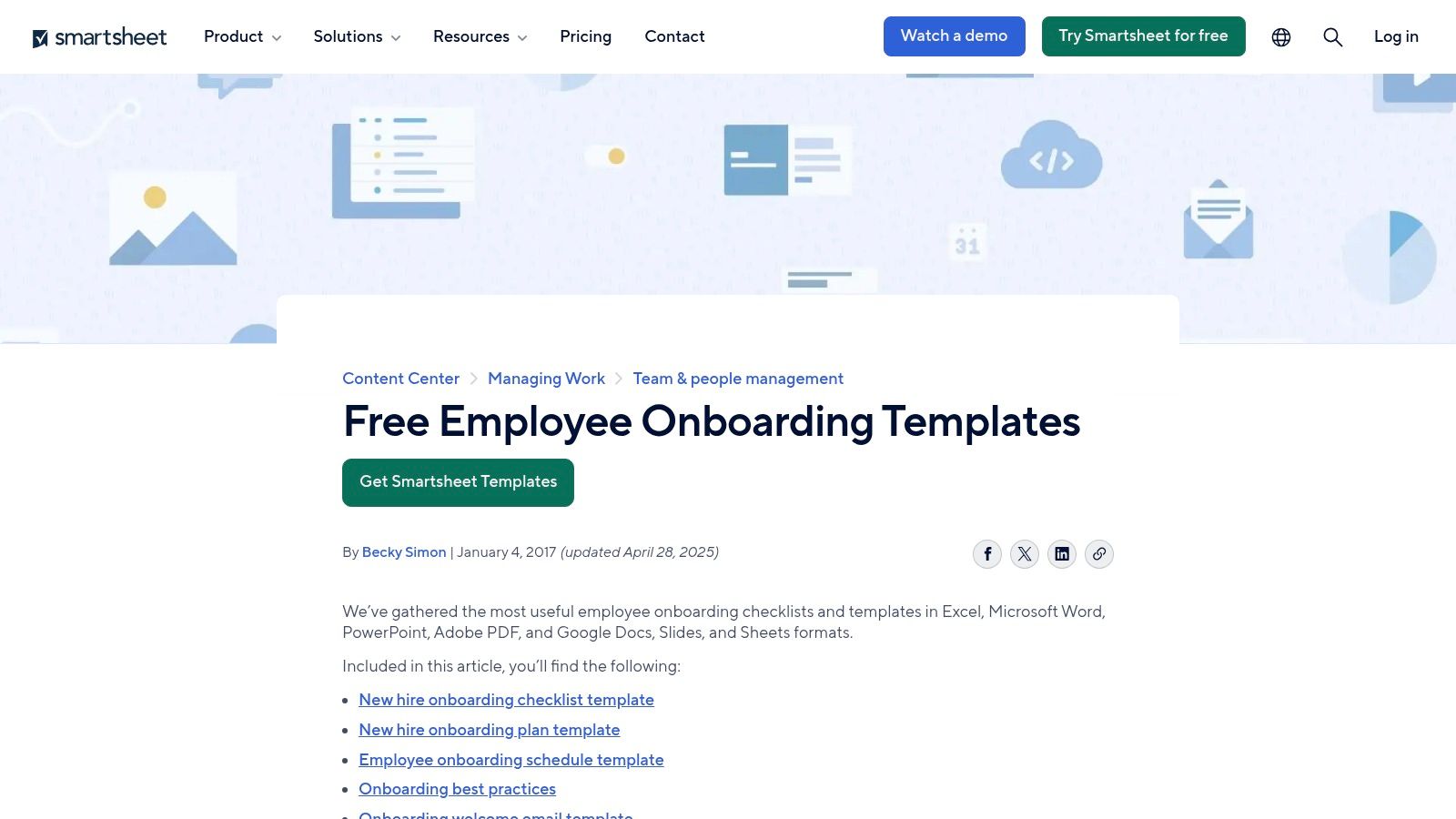
The primary strength of Smartsheet is its file format flexibility. You can download any template as an Excel, Word, Google Sheet, Google Doc, or PDF file, meaning no special software is required. For teams already using the Smartsheet platform, there is also a native project template that enables real-time, collaborative tracking and automation. While the free templates are excellent, some of the accompanying content gently encourages users to sign up for a Smartsheet trial.
Key Features & Takeaways
| Feature | Details |
|---|---|
| Download Formats | Excel, Word, Google Sheets/Docs, PDF, and PowerPoint. |
| Template Variety | Includes checklists for new hires, managers, remote/hybrid workers, and executives. |
| Cost & Access | All template files are completely free to download and use. The native Smartsheet project template requires an account (a free trial is available). |
| Best For | HR teams seeking maximum flexibility and a wide range of ready-to-use templates that can be easily customized in standard office software. The included payroll forms section also simplifies the collection of banking information from new hires for direct deposit. |
| Primary Website | Smartsheet Free Onboarding Checklists and Templates |
2. Asana Templates
Asana focuses on providing interactive project templates rather than static files. It offers a free, ready-to-use employee onboarding checklist template that you can instantly duplicate into an Asana workspace. This approach is designed for teams that want a living, collaborative checklist where HR, IT, and hiring managers can track progress, assign ownership, and communicate directly within tasks. The templates cover everything from pre-boarding logistics to a detailed 30-60-90 day plan.
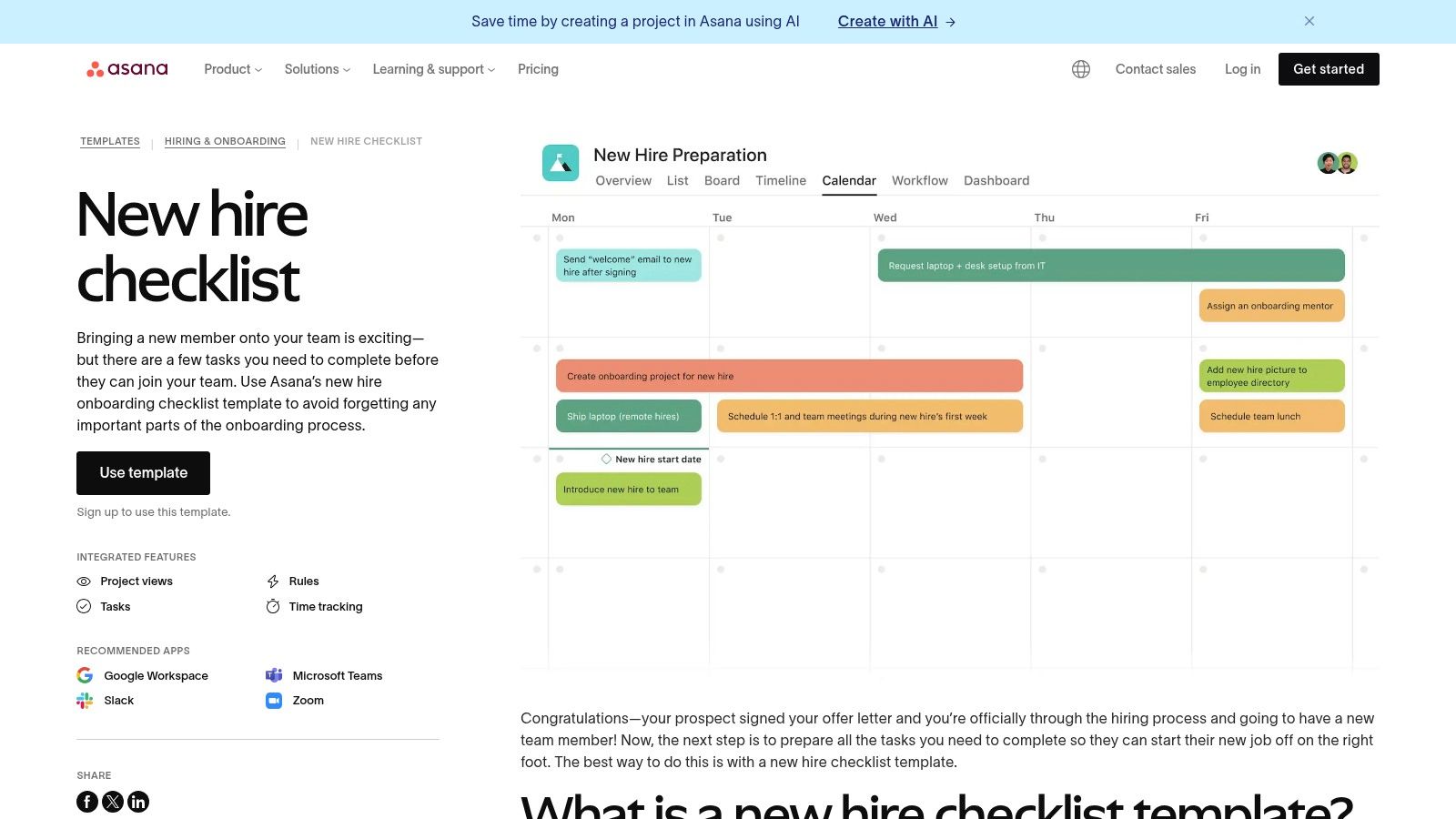
The primary strength of Asana lies in its ability to standardize the entire onboarding workflow. By using a native template, you ensure every new hire receives a consistent experience, and crucial steps are never missed. The platform's integrations with tools like Slack and Zoom connect communications directly to onboarding tasks. However, its value is maximized when used within the Asana ecosystem, as exporting the template to a static document format is limited.
Key Features & Takeaways
| Feature | Details |
|---|---|
| Download Formats | Primarily a native Asana project template. Limited export options to CSV/JSON are available for data, not for a formatted checklist. |
| Template Variety | Includes templates for new hire checklists, general employee onboarding, and 30-60-90 day plans. The gallery has related hiring workflows. |
| Cost & Access | The templates are free to duplicate and use within an Asana account. A free Asana plan is available, but advanced features are on paid tiers. |
| Best For | Teams already using or willing to adopt Asana for project management. It excels at creating a standardized, collaborative, and accountable onboarding process. |
| Primary Website | Asana New Hire Checklist Template |
3. ClickUp Templates
ClickUp approaches the employee onboarding checklist template from a project management perspective, offering a highly dynamic and interactive experience. Instead of static files, ClickUp provides a pre-built project folder template packed with custom fields, automated workflows, and multiple views. This structure is designed for real-time collaboration between HR, IT, hiring managers, and the new employee, tracking every step from the signed offer letter to the first performance review.
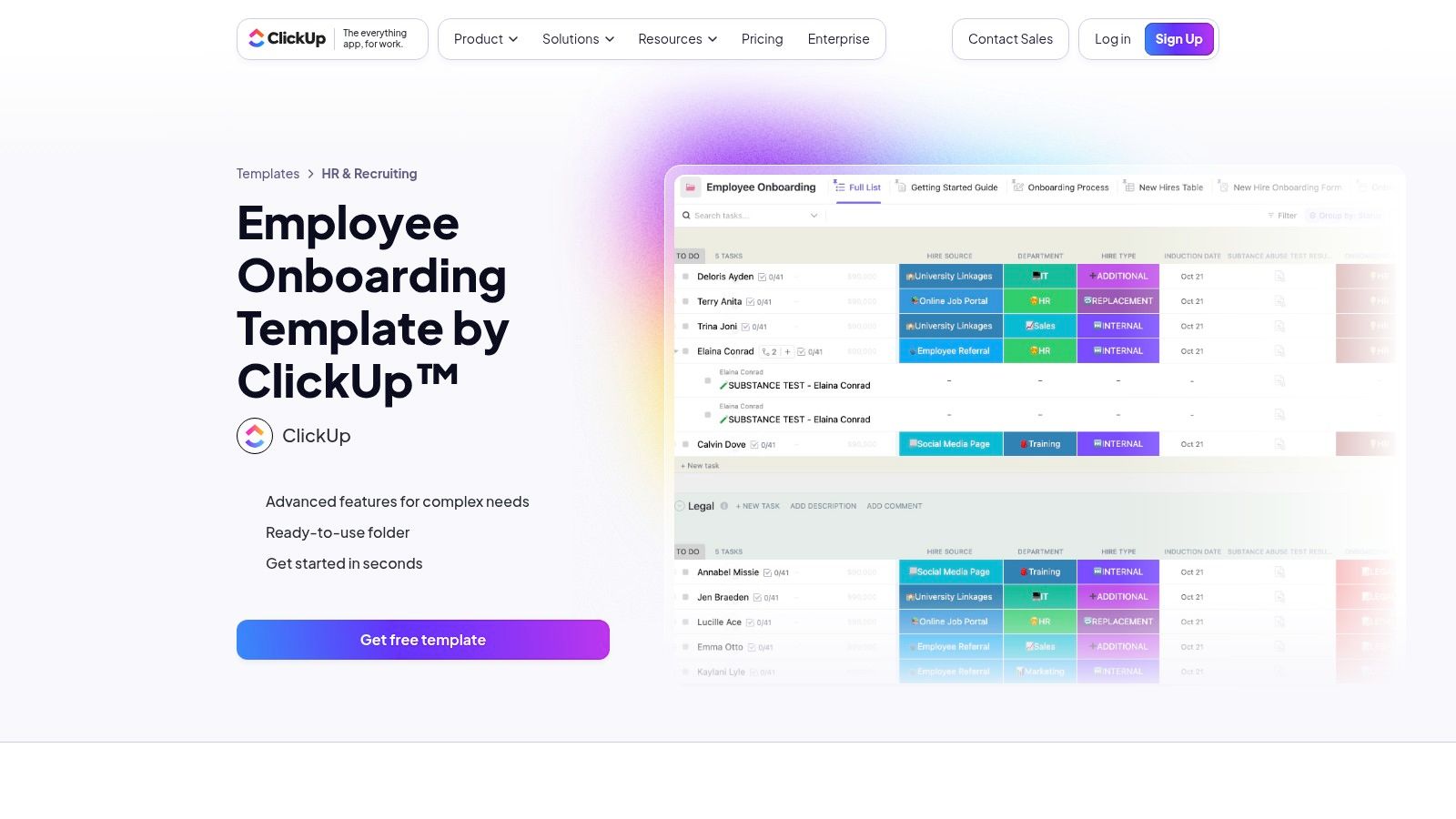
The platform's main advantage is its deep configurability. Teams can use pre-set statuses to monitor progress, switch between list, board, and timeline views, and create automations to assign tasks when a previous step is completed. While this is incredibly powerful for teams embedded in the ClickUp ecosystem, its feature-rich environment can present a steep learning curve for new users. It is best suited for organizations looking for an integrated, automated system rather than a simple, downloadable checklist.
Key Features & Takeaways
| Feature | Details |
|---|---|
| Download Formats | Primarily designed for in-app use; static exports are possible but lose the dynamic functionality. |
| Template Variety | Offers a robust, all-in-one "Employee Onboarding" folder template that can be customized for different roles and departments. |
| Cost & Access | The template is free to add to a ClickUp workspace. Using it requires a ClickUp account; a free plan is available, but advanced automations and features may require a paid subscription. |
| Best For | Tech-savvy teams that want to manage onboarding as an active project with cross-departmental coordination (HR, IT, Finance) and a high degree of automation. It excels at ensuring no task, from equipment setup to payroll enrollment, falls through the cracks. |
| Primary Website | ClickUp Employee Onboarding Template |
4. Trello (Atlassian) Templates
Trello takes a highly visual, Kanban-style approach to its employee onboarding checklist template collection. Instead of static documents, Trello offers interactive boards with cards representing individual tasks. These boards are ideal for teams that thrive on visual project management, allowing managers and new hires to track progress by moving cards across lists like "To Do," "Doing," and "Done." The public template gallery features options for general new hire onboarding, 30-60-90 day plans, and other role-specific setups.
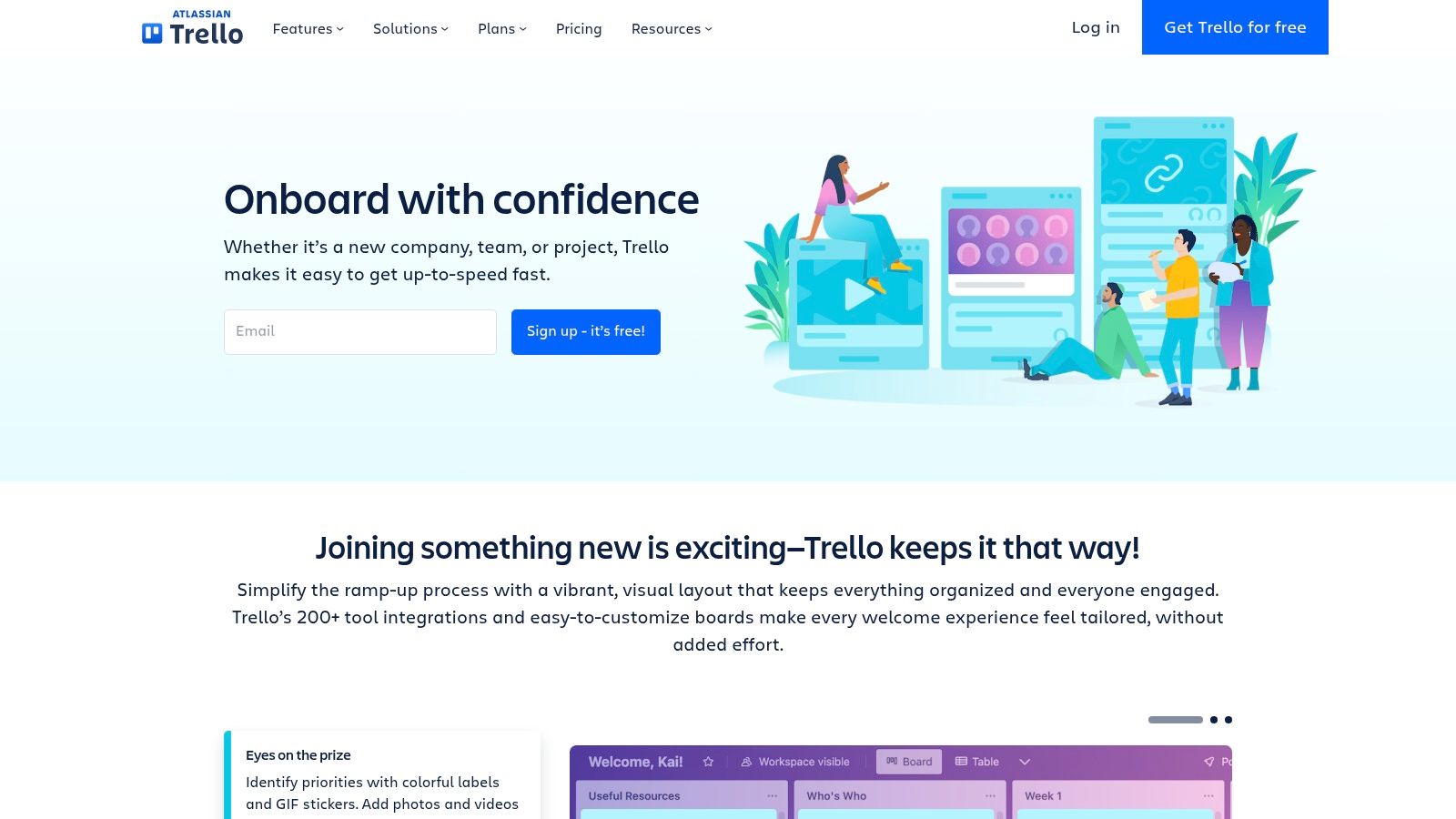
The platform’s strength is its intuitive drag-and-drop interface, making it easy to get started without a steep learning curve. Each card can contain its own sub-checklists, due dates, attachments, and comments, creating a centralized hub for each onboarding task. While the free version is very capable for smaller teams, more complex workflows requiring automation or integration with other HR systems will likely necessitate a paid plan to access Trello’s "Power-Ups" (app integrations).
Key Features & Takeaways
| Feature | Details |
|---|---|
| Download Formats | N/A - Trello templates are interactive boards used directly within the Trello app (web or desktop). |
| Template Variety | Focuses on workflow-based templates like new hire onboarding, 30-60-90 day plans, and team-specific processes. Many are community-contributed. |
| Cost & Access | The core templates and functionality are completely free. Advanced features like automation and integrations ("Power-Ups") require a paid Trello subscription. |
| Best For | Teams that prefer a visual, Kanban-style workflow for tracking tasks. It is excellent for startups and small businesses that need a lightweight, collaborative tool for managing onboarding tasks without the complexity of a full-scale HR platform. |
| Primary Website | Trello Onboarding Use Cases & Templates |
5. Process Street
Process Street transforms the static checklist into a dynamic, collaborative workflow. Its platform offers a massive, searchable library of employee onboarding checklist template resources designed to be run as recurring, interactive processes. This approach is ideal for complex onboarding that involves multiple team members, approvals, and a need for a clear audit trail. You can find templates covering everything from new hire paperwork to IT setup and departmental introductions.
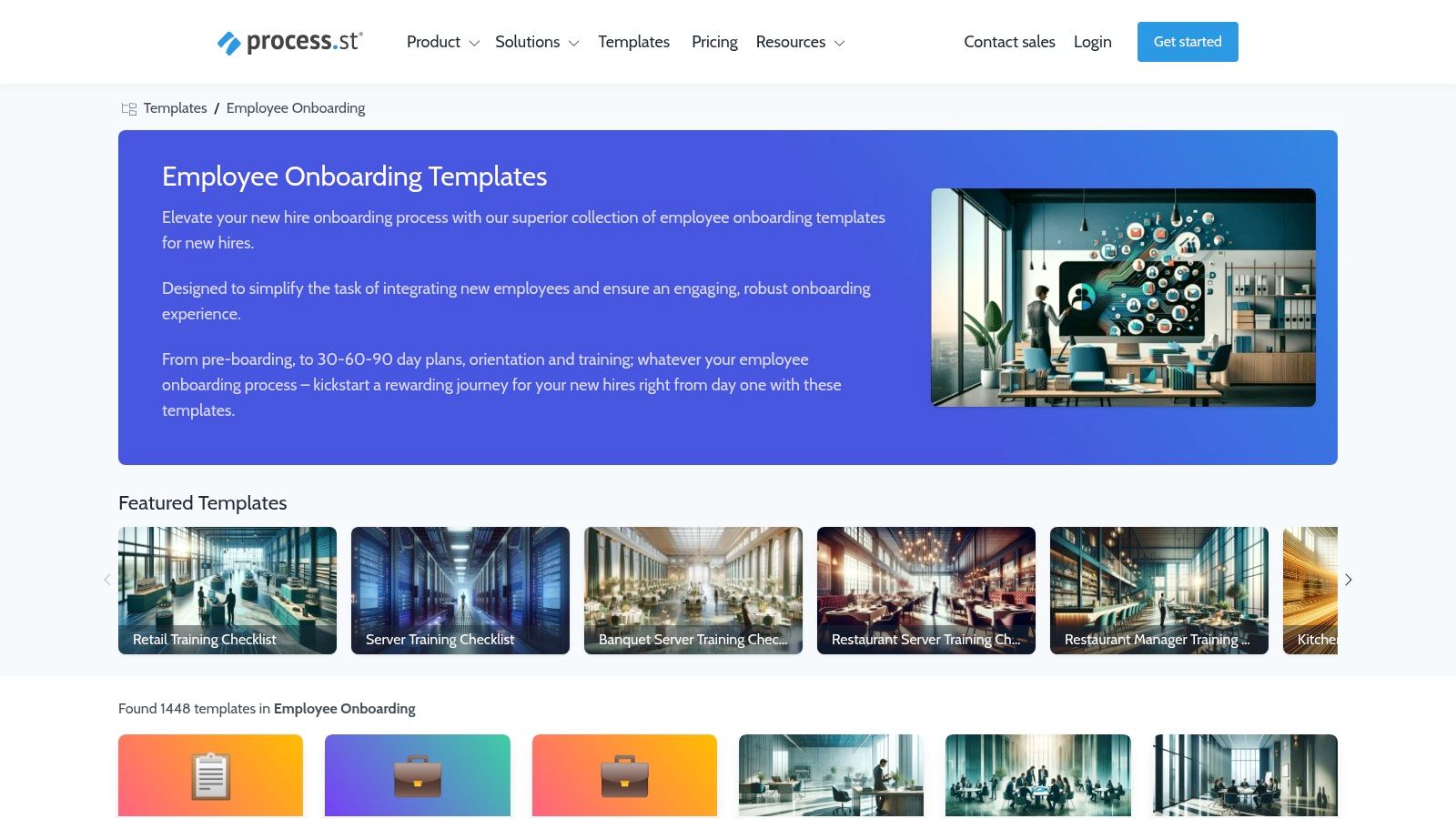
The key differentiator for Process Street is its focus on workflow automation. Checklists aren't just lists; they are live processes with features like role-based assignments, conditional logic that adapts the workflow to different scenarios, and detailed tracking. While some templates can be viewed for inspiration, their true power is unlocked by using them within the Process Street app. This makes it less of a free download hub and more of an operational tool for standardizing procedures.
Key Features & Takeaways
| Feature | Details |
|---|---|
| Download Formats | Templates are primarily designed for use within the Process Street platform. |
| Template Variety | Hundreds of workflow templates for new hire onboarding, remote onboarding, manager tasks, and offboarding. |
| Cost & Access | Many templates can be viewed for free, but using them as interactive workflows requires a Process Street account (free and paid plans are available). |
| Best For | Teams that need to manage repeatable, multi-step onboarding processes with multiple owners. It is excellent for ensuring compliance and accountability through trackable workflows with clear audit trails. |
| Primary Website | Process Street Employee Onboarding Template |
6. Workable (Resources + In‑App Onboarding)
Workable offers a dual approach to onboarding, providing both a free resource library and integrated, in-app onboarding workflows. Their resources include a comprehensive employee onboarding checklist template broken down into practical stages like pre-start, first day, and first week, along with specialized IT and paperwork checklists. This makes them a strong starting point for businesses formalizing their process.

The primary advantage of Workable is the seamless path it offers from recruitment to onboarding. For companies already using Workable for hiring, activating their in-app onboarding features (available on certain plans) creates a unified system for task management, document e-signatures, and new hire communication. While the free templates are excellent standalone resources, the real power lies in this integrated platform experience. However, a key limitation is that these advanced features are locked behind specific subscription tiers.
Key Features & Takeaways
| Feature | Details |
|---|---|
| Download Formats | The free resource templates are available as web pages that can be copied into Word or Google Docs. |
| Template Variety | General new hire onboarding, IT checklist, paperwork checklist, and a detailed 30-60-90 day plan template. |
| Cost & Access | The resource library and guides are completely free to access. The integrated in-app onboarding workflows with task management and e-signatures require a paid Workable subscription plan. |
| Best For | Companies that use or are considering Workable for their Applicant Tracking System (ATS) and want an all-in-one solution to transition candidates into well-structured new hire onboarding workflows. The free resources are ideal for any HR team needing practical, actionable lists. |
| Primary Website | Workable Onboarding Checklists and Templates |
7. BambooHR
BambooHR offers a strategic approach to onboarding, providing free resources that are deeply integrated with its Human Resource Information System (HRIS). Unlike sites offering simple file downloads, BambooHR provides a more holistic employee onboarding checklist template experience, with checklists tailored for specific industries like healthcare and manufacturing. These resources are designed to guide HR managers on not just what to do, but how to measure the success of their onboarding programs.

The primary distinction of BambooHR's offering is its connection to a full-featured software platform. While the downloadable checklists are valuable stand-alone assets, they are most powerful when used to inform the setup of automated workflows within the BambooHR system, which includes features like e-signatures and new hire packets. Access to most of these high-value downloads is gated, requiring you to provide an email address via a form. This makes it ideal for companies evaluating a move to a centralized HRIS.
Key Features & Takeaways
| Feature | Details |
|---|---|
| Download Formats | Primarily PDF, delivered via email after form submission. |
| Template Variety | Includes general onboarding, onboarding metrics, and industry-specific checklists (e.g., healthcare, manufacturing). |
| Cost & Access | The checklist downloads are free but require providing contact information. The full HRIS platform with automated onboarding features is a paid subscription service. |
| Best For | Organizations considering an HRIS to centralize and automate their onboarding process, especially those in regulated industries that need compliance-aware guidance. The platform also helps streamline payroll setup; for new hires needing to provide banking details without a physical check, you can find helpful resources on how to generate a voided check. |
| Primary Website | BambooHR Onboarding Metrics Checklist |
8. SHRM (Society for Human Resource Management)
For HR professionals seeking authoritative and compliance-focused resources, the Society for Human Resource Management (SHRM) is an indispensable source. SHRM provides a curated collection of toolkits, articles, and forms, including a detailed employee onboarding checklist template that aligns with established U.S. HR best practices. These resources are backed by extensive industry research and are designed to help organizations mitigate risk and streamline HR processes effectively.
The key advantage of using SHRM's materials is their high credibility and focus on legal and regulatory compliance. The checklists are practical and cover essential steps from pre-boarding to the first few months of employment. However, it's important to note that while some resources are free, many of the most in-depth toolkits and downloadable templates require a SHRM membership to access. The provided templates often come in simple formats like Word, requiring manual branding and formatting to fit your organization's style.
Key Features & Takeaways
| Feature | Details |
|---|---|
| Download Formats | Primarily Word documents and PDFs, designed for easy customization. |
| Template Variety | Offers comprehensive toolkits covering the entire onboarding journey, policy checklists, and new-hire forms. |
| Cost & Access | Some articles and basic templates are free, but full access to premium toolkits, checklists, and forms requires a paid SHRM membership. |
| Best For | HR managers and U.S.-based businesses prioritizing compliance and risk management. It is ideal for those who value resources grounded in official HR standards and research. |
| Primary Website | SHRM Onboarding Resources |
9. SafetyCulture (iAuditor) Template Library
SafetyCulture, powered by its iAuditor platform, offers a unique and mobile-centric employee onboarding checklist template. Its strength lies in its application for operational, hands-on, and distributed teams, such as those in construction, retail, or field services. The platform transforms the standard checklist into an interactive, auditable record, allowing managers to capture signatures, attach photos for verification, and add notes directly from a mobile device, even when offline.
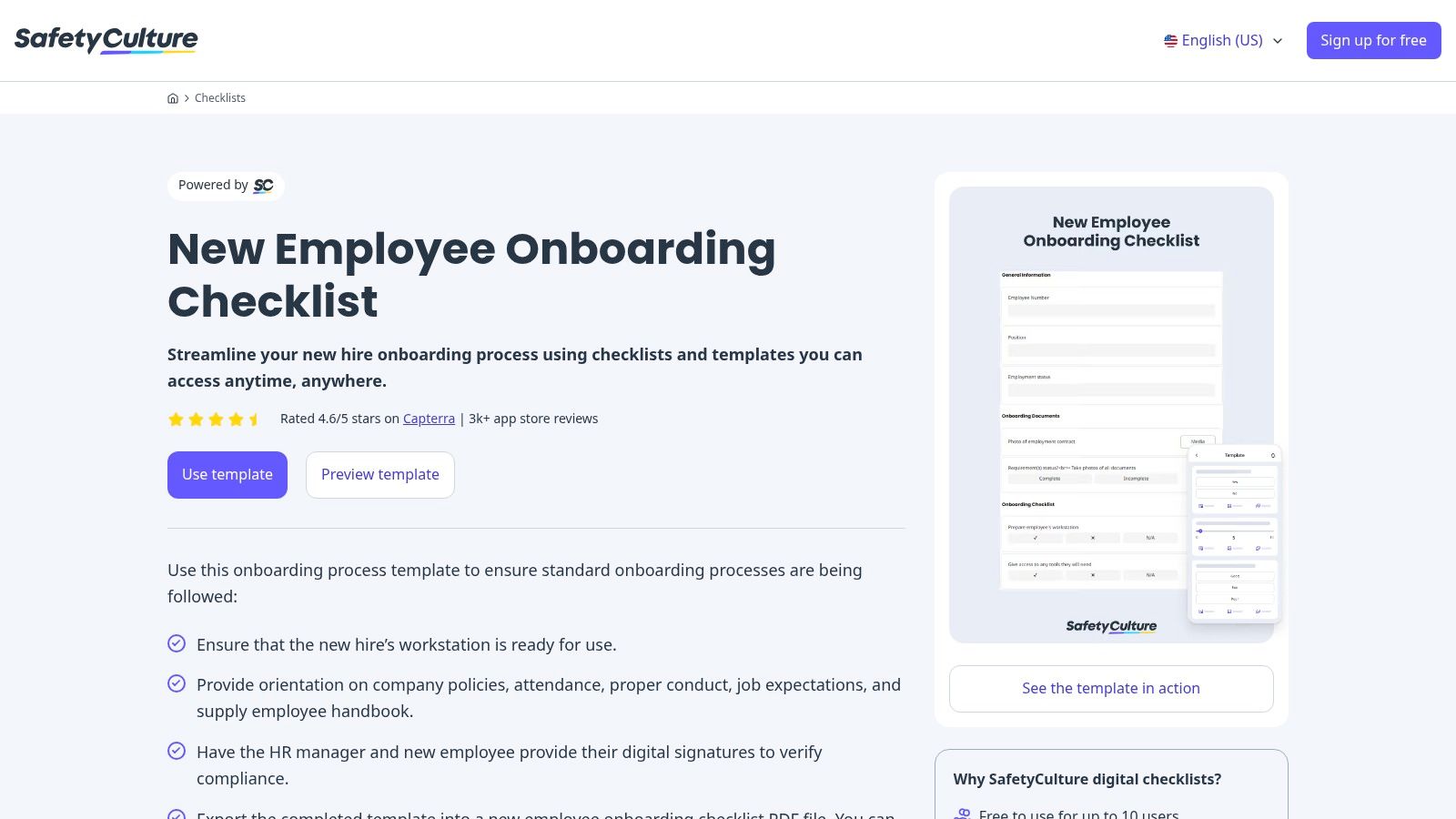
This approach is less focused on strategic HR planning and more on compliance and operational readiness. The mobile-first design makes it incredibly practical for managers who are not always at a desk. Completed checklists can be exported as professional PDF reports, creating a clear audit trail for safety training, equipment issuance, and policy acknowledgments. While the best experience is within the app, the free tier makes it accessible for small teams to digitize their processes.
Key Features & Takeaways
| Feature | Details |
|---|---|
| Download Formats | Export completed reports as PDF, CSV, or Excel. The template is used within the SafetyCulture (iAuditor) app. |
| Template Variety | Focuses on a single, comprehensive template that can be customized. Best for operational and compliance-focused onboarding tasks. |
| Cost & Access | The template is free to use within the SafetyCulture platform. A free plan is available for teams of up to 10 users, with paid plans for larger teams and advanced features. |
| Best For | Businesses with remote, field-based, or multi-site workforces needing mobile-first checklists with auditable proof (photos, signatures). It excels at ensuring operational and safety compliance from day one. |
| Primary Website | SafetyCulture Employee Onboarding Checklist |
10. Notion Templates (Official)
For teams already embedded in the Notion ecosystem, the official template gallery is a powerful resource for building an integrated onboarding experience. Instead of static documents, Notion provides a dynamic, wiki-style employee onboarding checklist template that can be duplicated directly into a company’s workspace. These templates often serve as a complete hub, combining checklists with company directories, FAQs, and important documents.
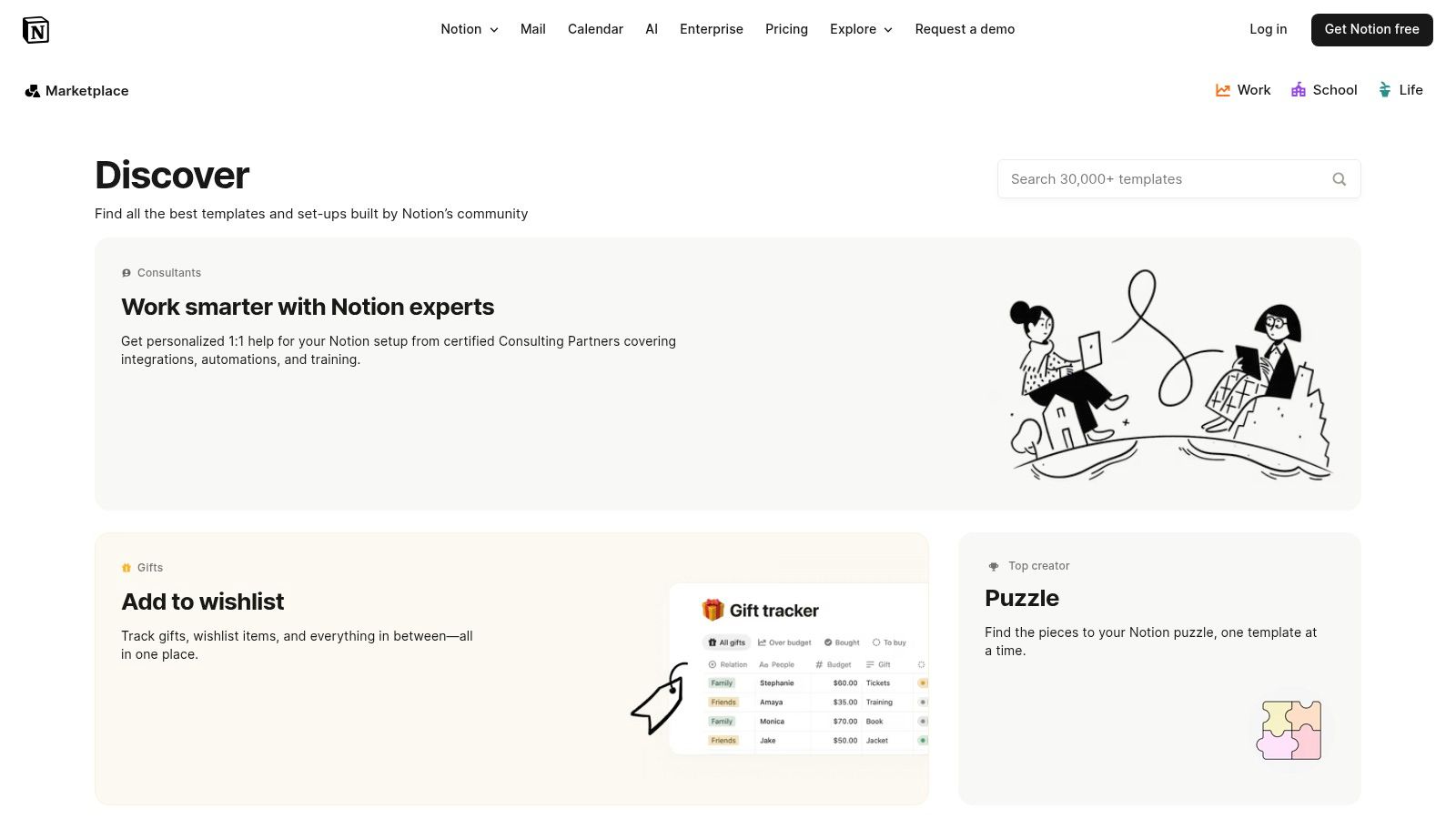
The primary strength of using Notion is its function as a central knowledge base. New hires get a single link to a dashboard containing their entire onboarding journey, from pre-arrival tasks to their 30-day schedule. This approach streamlines communication and reduces the clutter of sending multiple files. While it's ideal for teams using Notion, its collaborative nature and free-tier accessibility make it a compelling choice for startups and small businesses looking for an all-in-one solution.
Key Features & Takeaways
| Feature | Details |
|---|---|
| Download Formats | Native Notion template (duplicate into your own workspace). |
| Template Variety | Includes comprehensive onboarding hubs, role-based database templates, new hire FAQs, and 30-60-90 day planners. |
| Cost & Access | Many official and community templates are completely free and work on Notion's free plan. Some advanced community templates may have a cost. |
| Best For | Companies that already use Notion as their internal wiki or project management tool. It excels at creating a central, collaborative, and interactive onboarding hub rather than a simple, static checklist. |
| Primary Website | Notion Official Template Gallery |
11. Template.net
Template.net offers a vast marketplace of professionally designed and editable employee onboarding checklist template files. The platform is geared towards businesses that need visually appealing, ready-to-print documents that can be quickly branded and deployed. It provides a mix of free and premium templates that cater to various HR needs, including general onboarding, IT setup, and administrative tasks, all with pre-built layouts.

The primary advantage of Template.net is its focus on design and print-readiness. Unlike more data-driven spreadsheet formats, these templates are often created with aesthetics in mind, making them suitable for inclusion in welcome packets. The quality can vary between templates, and access to the best designs often requires a Pro subscription. However, the wide selection ensures that HR managers can find a style that aligns with their company's branding without starting from scratch.
Key Features & Takeaways
| Feature | Details |
|---|---|
| Download Formats | Word, Google Docs, Apple Pages, and PDF. |
| Template Variety | Extensive library with aesthetic layouts for new hire, IT, and admin onboarding, plus other HR forms. |
| Cost & Access | A mix of free and premium templates are available. Unlimited access to the entire library requires a Pro subscription plan. |
| Best For | HR departments and small businesses that prioritize well-designed, printable documents and want a professional-looking checklist that can be easily customized with company branding without extensive design work. |
| Primary Website | Template.net Onboarding Checklists |
12. Etsy
For those seeking a more aesthetic or uniquely designed employee onboarding checklist template, Etsy provides a surprising and affordable marketplace. The platform connects HR professionals and small business owners with independent creators who design and sell a wide variety of onboarding documents, often with a strong focus on visual appeal and branding. These templates are typically sold as instant digital downloads, perfect for one-off needs or when a simple, printable form is sufficient.
Etsy's main advantage is its blend of creativity and low cost. You can find stylish templates that match your company's branding for just a few dollars, and most sellers provide files in common formats like Word, Google Docs, or Canva. However, quality and thoroughness can vary significantly between sellers, so it's crucial to read reviews and check item descriptions carefully. This approach is entirely manual and lacks any integration with HR software.
Key Features & Takeaways
| Feature | Details |
|---|---|
| Download Formats | Primarily Word, Google Docs, PDF, and Canva. Format availability depends on the individual seller. |
| Template Variety | Wide range of stylistic and aesthetic choices, including minimalist, modern, and branded designs. Content typically covers general new hire onboarding tasks. |
| Cost & Access | Very low-cost, with most templates priced between $2 and $15 for a one-time purchase and instant digital download. No subscription is required. |
| Best For | Small businesses or solo HR managers who prioritize aesthetics and need an inexpensive, printable checklist for a small number of new hires. It's ideal when software integration is not a priority and a simple, visually appealing document is the main goal. |
| Primary Website | Etsy |
Employee Onboarding Checklist Templates — 12-Resource Comparison
| Provider | Core features | Target audience | Integrations & automation | Ease of use | Price / Value |
|---|---|---|---|---|---|
| Smartsheet | Multi-format downloads (Excel/Word/Google/PDF), in-app project template, guidance | Teams that want static files + collaborative, trackable sheets | Connectors and in-app tracking; nudges to trial | Functional UI; moderate learning curve | Many free templates; full features require paid plan |
| Asana Templates | Prebuilt tasks/sections, timelines, duplicate-to-workspace templates | Teams standardizing tasks, timelines, ownership in Asana | Native integrations (Slack, Zoom, etc.) | Very easy inside Asana; limited static export | Free templates; seat limits/features tied to paid plans |
| ClickUp Templates | Custom fields, automations, multiple views, reusable checklists | Teams needing high configurability and automation | Strong in-app automations and third-party integrations | Powerful but can feel complex to set up | Free tier; advanced automations on paid plans |
| Trello (Atlassian) | Kanban boards, cards, checklists, community templates | Small teams or lightweight visual onboarding workflows | Power-Ups add integrations (some paid) | Intuitive, fast start with visual tracking | Free/basic usable; power-ups and advanced features paid |
| Process Street | Workflow runs, audit trails, conditional logic, approvals | Repeatable, multi-step onboarding with audit/compliance needs | API, Zapier and automation support | Built for SOPs; app-centric but clear UX | Free trial; paid plans for full workflow features |
| Workable | Downloadable checklists + in-app onboarding, e-signatures on plans | Teams wanting hiring → onboarding within one HR platform | HR platform integrations; in-app task tracking | Smooth when using Workable; plan-dependent features | Free resources; advanced onboarding on paid plans |
| BambooHR | Sector-specific checklists, onboarding packets, e-signatures (HRIS) | Organizations centralizing onboarding in an HRIS, regulated industries | Part of BambooHR ecosystem and HR integrations | Practical but many downloads gated | Downloads behind forms; HRIS requires paid subscription |
| SHRM | Research-backed checklists, compliance toolkits | HR professionals seeking authoritative, compliance-aligned resources | Limited direct integrations (resource library) | Credible but some member-only content | Some free; membership required for full access |
| SafetyCulture (iAuditor) | Mobile/offline checklists, sign-offs, photos, attachments | Field teams, multi-site operations needing offline records | Exports (PDF/CSV/Excel), mobile app integrations | Mobile-first and user-friendly for ops teams | Free tier; paid for advanced features |
| Notion Templates | Role-based databases, docs, FAQs, collaborative hub | Teams wanting a central knowledge hub and flexible docs | Integrations via third-party tools; limited native automation | Fast to adapt and brand; collaborative | Many free templates; Notion free plan available |
| Template.net | Marketplace of editable templates (Docs/Word/PDF/Pages) | Teams needing printable, brandable HR forms and layouts | File downloads (no workflow integrations) | Quick to brand and print; no app lock-in | Mix of free and Pro paid templates/subscription |
| Etsy | Instant-download onboarding templates from creators | One-off, stylistic printable needs; low-cost purchases | None — manual files delivered after purchase | Simple purchase-to-use; quality varies by seller | Very affordable (typically $2–$15); variable value |
Turn Your Checklist into a Competitive Advantage
An effective employee onboarding checklist template is far more than a simple administrative to-do list. As we've explored, it is the foundational blueprint for a strategic initiative that directly impacts employee engagement, productivity, and long-term retention. By moving beyond a one-size-fits-all approach, you transform a routine process into a powerful mechanism for cultural integration and professional development.
The templates and tools detailed in this guide, from dynamic project management platforms like Asana and ClickUp to specialized HR systems like BambooHR, provide the structure. However, the true value emerges when you customize these resources. A thoughtfully adapted checklist ensures every new hire, whether they are a full-time remote employee or an on-site contractor, receives a consistent, supportive, and welcoming experience. This deliberate approach demonstrates your company's investment in its people from their very first interaction.
Key Takeaways for Action
To translate these resources into tangible results, focus on these critical next steps:
- Audit Your Current Process: Before selecting a template, identify the pain points in your existing onboarding flow. Where do new hires get confused? What tasks consistently fall through the cracks? Your audit will reveal the features you need most.
- Select the Right Tool for Your Scale: A small business might thrive with a customizable Notion or Trello board, while a rapidly growing enterprise may need the robust automation and compliance tracking offered by a platform like Workable or Process Street. Match the tool's complexity to your team's needs and resources.
- Prioritize Customization and Feedback: The most valuable step is adapting your chosen employee onboarding checklist template to reflect your company’s unique culture, values, and role-specific requirements. Crucially, build a feedback loop. Ask new hires about their experience after 30, 60, and 90 days to continuously refine and improve the process.
From Template to Transformation
Ultimately, a well-executed onboarding program sets the tone for an employee's entire journey with your organization. It's an opportunity to build trust, clarify expectations, and foster a sense of belonging that administrative negligence can quickly undermine. By investing the time to select and implement the right framework, you are not just checking boxes; you are building a more resilient, engaged, and effective workforce. This proactive strategy is one of the most significant competitive advantages a company can cultivate, ensuring that talent is not just acquired but is also empowered to succeed.
One of the most critical steps in any onboarding checklist is setting up direct deposit. Simplify the process for your new hires with VoidedCheck.org. It allows employees to instantly generate a valid, print-ready voided check online without needing a physical checkbook, ensuring payroll setup is fast, accurate, and hassle-free. Visit VoidedCheck.org to streamline this essential onboarding task.
Related Articles

How to Get a Cancelled Check Your 2026 Guide
Need to know how to get a cancelled check for direct deposit or proof of payment? Discover easy methods from online banking to digital alternatives.

What Is a Bank Letter for Direct Deposit and How Do You Get One?
Unsure what is a bank letter for direct deposit? This guide explains its purpose, how to get one, and why it's a secure option for setting up payments.

Voided Check in Spanish A Clear Guide for Payroll and Banking
What is a voided check in Spanish? Learn how to write 'cheque anulado', get one without a checkbook, and set up direct deposit in the U.S. financial system.